Home Office Upgrades: Accessories That Boost Productivity
Boost productivity at home with ergonomic gear, sharper displays, better audio, tidy power and cables, and small comforts that reduce strain.
Ergonomic Foundations
A productive home office begins with ergonomics. Start by elevating your screen with a monitor riser so your eyes align with the top third of the display, reducing neck strain. Pair this with a lumbar support cushion that encourages neutral posture and keeps your spine aligned during long sessions. If you alternate between sitting and standing, an adjustable-height desk helps shift pressure points and maintain circulation; add an anti-fatigue mat to cushion your joints. Under the desk, a footrest promotes proper leg positioning and reduces pressure on the lower back. On the desktop, a wrist rest can help keep hands neutral while typing, minimizing strain on tendons. Small adjustments, like a chair with adjustable armrests and a tilt mechanism, further refine comfort. Together, these accessories prevent micro-discomforts from accumulating into fatigue, helping you stay focused longer and make more consistent decisions. The payoff is quiet but profound: fewer aches, steadier energy, and a workspace calibrated for sustained performance.
Smarter Screens and Lighting
Clarity and comfort converge at the intersection of displays and light. A monitor arm frees desk space and lets you dial in optimal viewing distance and height, while a dual-display setup can streamline multitasking without constant window shuffling. Favor panels with crisp text rendering and consistent color, then use blue-light filters or night modes in the evening to reduce visual fatigue. Lighting matters just as much: a task lamp with adjustable color temperature lets you fine-tune brightness for reading, sketching, or video calls. Position it to the side to avoid glare, and consider bias lighting behind your screen to soften contrast in dim rooms. If reflections persist, a matte screen protector or simple curtain control can tame them. For color-sensitive work, periodic calibration with built-in tools helps maintain accuracy. When your eyes work less to interpret information, cognition flows more smoothly, and your attention stays anchored where it belongs—on the task, not the glare.
Precision Input Devices
Every keystroke and cursor movement shapes your workflow, so invest in tools that fit your hands and habits. A mechanical keyboard with hot-swappable switches lets you customize feel and sound, while an ergonomic split keyboard can relieve shoulder and wrist tension by aligning arms naturally. Add programmable macros or layers to automate repetitive sequences and speed through common actions. For pointing, test a low-latency mouse, vertical mouse, or trackball to find the design that minimizes strain during long sessions. A smooth desk mat supports consistent glide and protects surfaces, and a breathable palm rest can curb pressure points. Don't overlook cursor precision: tune DPI and acceleration to match your display size and workflow, from pixel-level edits to sweeping document navigation. These refinements translate into fewer corrections, cleaner inputs, and a sense of tactile control. When your tools disappear into your muscle memory, your thinking gets faster, and your execution becomes reliably crisp.
Clearer Calls and Soundscapes
Communication quality directly affects credibility and collaboration. A comfortable ANC headset or closed-back headphones isolates you from household noise, while an external microphone with a cardioid pattern captures your voice with clarity. Mount the mic on a boom arm to position it near your mouth and add a pop filter or foam windscreen to tame plosives. If you switch between devices, a compact USB audio interface or clean USB-C connection simplifies routing and maintains consistent levels. For video, a capable webcam paired with a soft key light creates flattering, natural-looking presence without harsh shadows. Room acoustics matter, too: simple acoustic panels, bookcases, or plush textiles reduce echo and improve intelligibility for everyone on the call. With reliable audio and visual presence, meetings are shorter, misunderstandings are rarer, and your focus returns to content instead of troubleshooting. Clear channels foster confidence, which quietly compounds across every conversation and decision.
Connectivity and Power Control
A tidy, reliable hub of connectivity removes dozens of small frictions. A USB-C hub or Thunderbolt dock consolidates displays, storage, and peripherals, delivering Power Delivery to charge laptops while minimizing cable chaos. If you share monitors and keyboards between machines, a KVM switch lets you toggle devices instantly. Keep essentials topped up with a multi-port GaN charger and a vertical charging stand for phones or earbuds; a wireless charging pad cleans up the rest. Protect your gear with a quality surge protector and consider a UPS to guard against brief outages that can cost hours of work. Cable sanity pays dividends: use Velcro ties, labeled channels, and under-desk trays to route lines cleanly and avoid snags. A small label maker or color tags help you trace connections quickly. When everything connects the first time, you conserve the cognitive bandwidth better spent on creative work, strategic thinking, and finishing more in fewer steps.
Organization and Wellness Anchors
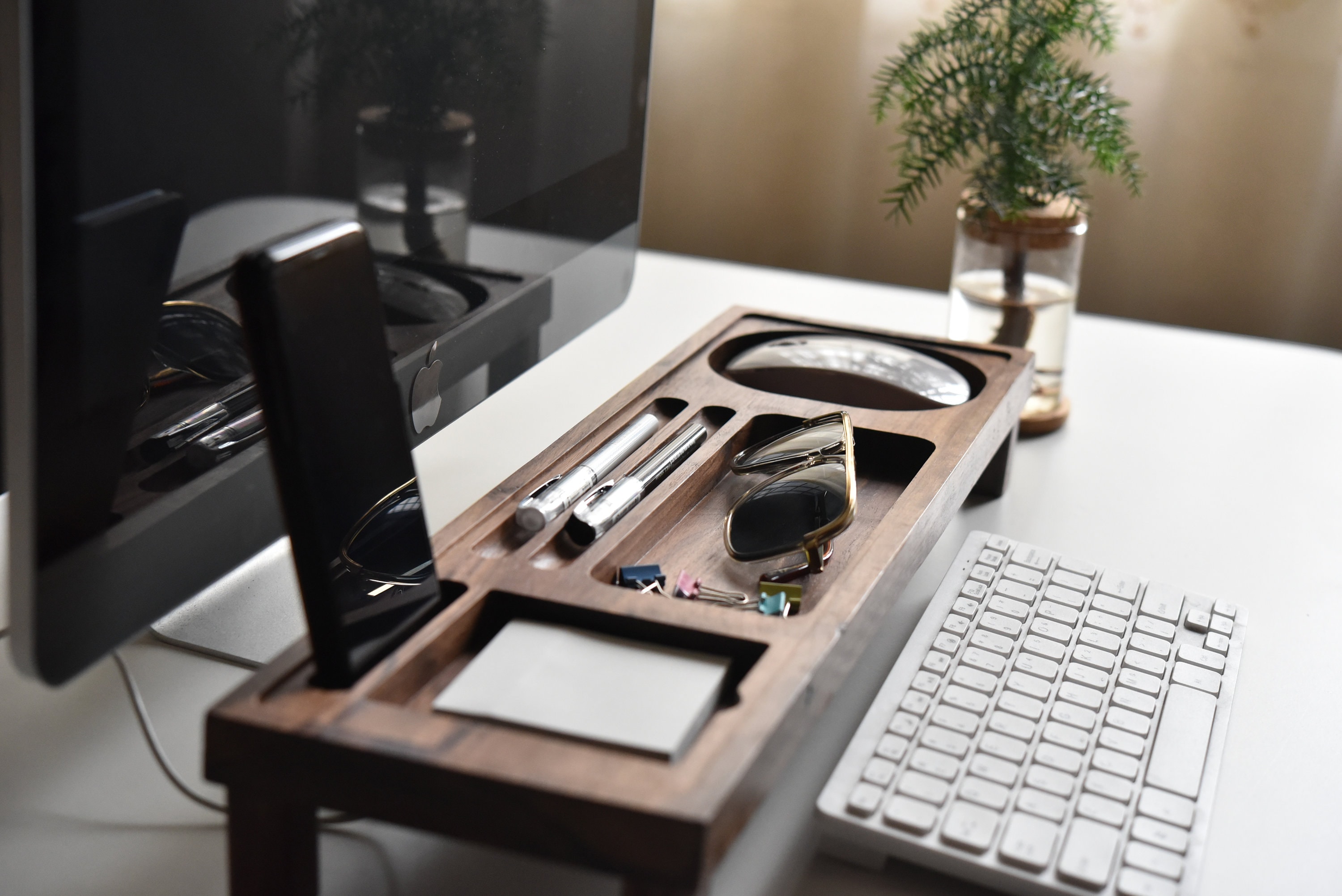
Organization is a daily habit enabled by the right accessories. A modular desk organizer and monitor shelf reserve prime space for essentials, while a slim document tray prevents paper creep. For ideas and planning, a smart notebook or adjacent whiteboard keeps thoughts fluid and visible, guiding priorities without screen switching. Time management improves with an analog timer for focused sprints, making Pomodoro-style rhythms feel tangible. Layer in wellness: a discreet air purifier or quiet humidifier can reduce irritation, and low-maintenance houseplants lend visual calm. If you alternate postures, a sit-stand reminder, compact balance board, and supportive floor mat keep movement gentle and frequent. A soft desk lamp for evening tasks and a breathable chair cover round out comfort. These anchors protect attention by reducing friction and decision fatigue. When your environment quietly supports momentum and recovery, productivity stops being a sprint and becomes a sustainable, repeatable routine.