Deep Work at Your Desk: Create a Distraction-Free Zone
Turn your desk into a deep-work sanctuary. Reduce noise, tame tech, and build rituals that protect focus so you can do your best work.
Set Your Deep Work Intent
Deep work thrives on clarity. Before you open a document or launch a tool, define a single, compelling objective and the concrete steps you will take. Write a brief mission line on a sticky note, place it at the edge of your monitor, and let it anchor your attention. This ritual reduces attention residue from prior tasks and sets a crisp boundary between thinking modes. Build a short warm-up: two deep breaths, a quick review of your plan, and a decision about what you will ignore. Silence the urge to browse by choosing a single-tasking window and a specific time frame. Treat this as a promise to yourself, not a suggestion. When interruptions appear, mark them on a capture list, return to the main task, and review the list later. The aim is a distraction-free start that signals your brain: now we focus, here we create, and everything else can wait until the block is complete.
Design the Physical Desk
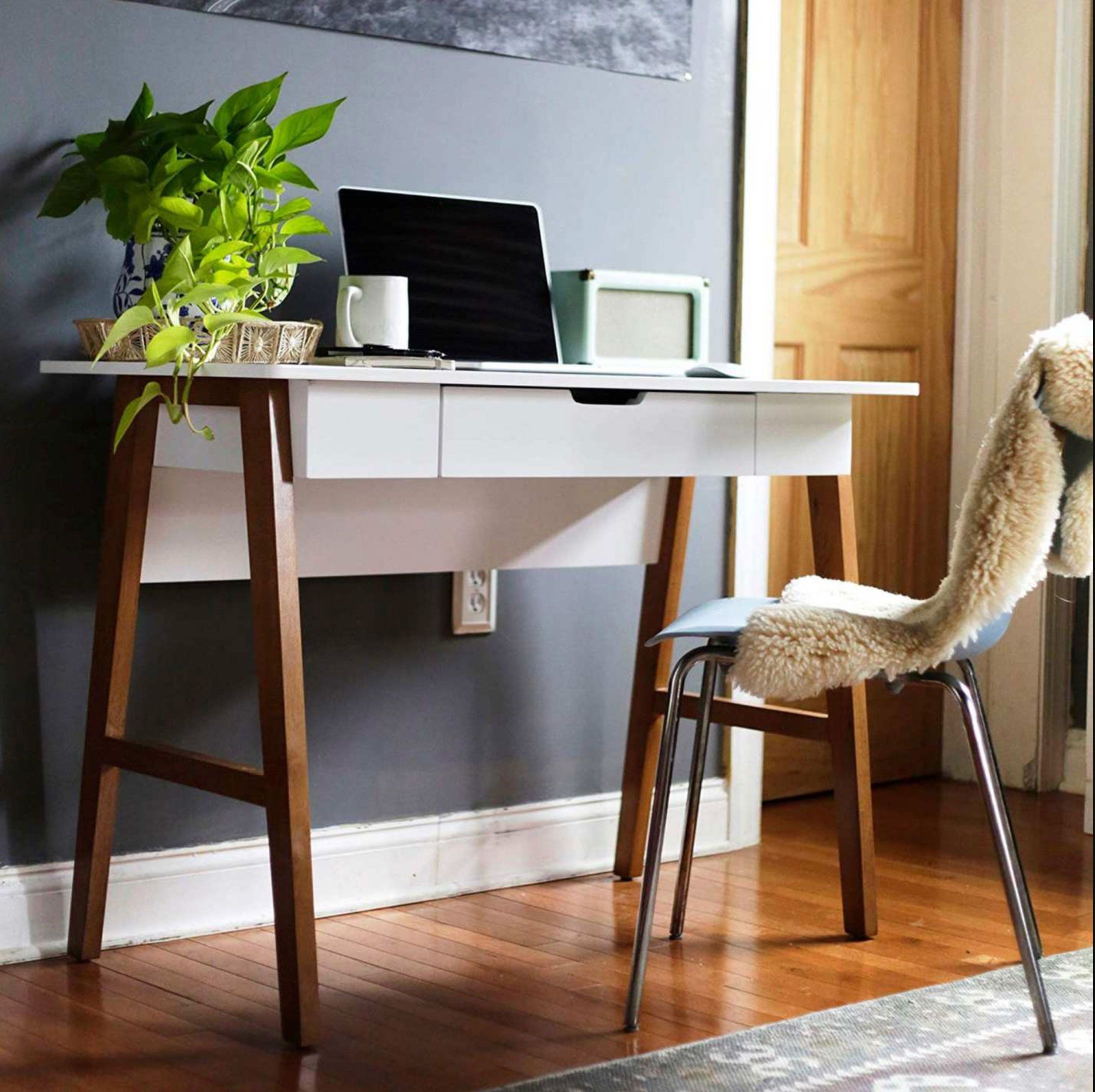
Your desk broadcasts cues that shape your behavior. A cluttered surface invites context shifts; a clean one invites depth. Start with a ruthless reset: remove every object that does not support the current work. Keep only a notebook, pen, water, and the essential device in your focus zone. Place reference materials in a reachable but separate support zone so they do not encroach on your main space. Hide cables, remove trinkets that steal micro-glances, and choose a neutral backdrop that calms the eye. Use a small tray to quarantine incoming items so they do not scatter. End each session with a two-minute reset ritual: file notes, close the laptop, wipe the surface, and stage tomorrow's first tool. This habit converts your desk into a reliable cue for focus and relieves morning friction. Physical simplicity is not decoration; it is a deliberate productivity system that prevents decision fatigue before it starts.
Clean Up Your Digital Space
Your screen can be either a launchpad or a lure. Create a distraction-free profile on your computer with minimal icons, a dark or plain background, and only the apps you need for the current task. Practice single-tab discipline: one document, one dataset, one canvas. Use full-screen mode to reduce visual noise, and hide docks and toolbars you do not need. Schedule communication windows and set Do Not Disturb during deep work blocks so notifications never puncture momentum. If you must research, batch queries and park links in a temporary list instead of hopping mid-sentence. Consider lightweight site blockers to enforce your intent, and place your phone outside arm's reach or face down with a timer running. Organize files by active project to minimize search friction. When you close a block, save your state with a brief summary at the top of the document so you re-enter quickly. Digital hygiene protects you from context switching that drains energy.
Control Your Soundscape
Sound can stabilize attention or splinter it. Identify your ideal noise floor: silence, white noise, brown noise, or low-tempo instrumental music. Avoid lyrical tracks during composition-heavy work because language competes with language. If you share a space, combine soft earplugs with over-ear headphones to lower interruptions without harsh isolation. Establish a polite but firm do-not-interrupt signal, such as headphones plus a small desk indicator, and communicate what it means. Keep meetings and calls geographically separate from your deep work zone to prevent your brain from associating the desk with chatter. If unexpected noise appears, do not wait for frustration to mount; switch immediately to a prepared playlist or a noise generator. Use short sound resets between sub-tasks: sixty seconds of neutral noise, a breath cycle, then resume. Consistent auditory boundaries train your nervous system to enter focus faster, extend concentration longer, and recover quickly after unavoidable disturbances.
Light, Posture, and Comfort
Your body is the operating system of productivity. Align ergonomics and comfort so attention can sustain without complaint. Position your monitor at or slightly below eye level, an arm's length away. Keep wrists neutral, feet grounded, and shoulders relaxed. Adjust chair height so knees are at right angles, and support your lower back. Balance light from the side to reduce glare; avoid bright light directly behind the screen. Use warm, diffuse lighting that keeps eyes calm while maintaining alertness. Regulate temperature within a comfortable range and keep water nearby to prevent subtle fatigue. Place frequently used tools within easy reach to limit micro-twists and fidgets. Consider a standing interval or a sit-stand cycle to refresh posture without leaving the focus zone. Small physical agitations snowball into mental ones; removing them reclaims bandwidth. When your setup fades into the background, your mind has room to hold complexity, follow threads, and produce deep work reliably.
Build Time Blocks That Stick
Time shapes attention. Choose a time blocking rhythm that suits the complexity of the task: 25-5 cycles for repetitive work, 50-10 for moderate depth, or 90-15 for heavy cognitive lifting. Start each block with a clear outcome statement: by the end of this block, I will complete X. Set a visible timer and protect the boundary from both early exits and late overstays. Use a brief midpoint micro-check to ensure you are still on the intended path, not wandering in tangents. Between blocks, stand, breathe, and reset your tools rather than opening messages. Cluster similar tasks to reduce switching costs and schedule communication clusters after deep blocks, never before them. When you end the final block, perform a short shutdown: note progress, define the next action, and restore your desk. Respecting temporal edges makes focus a habit instead of a mood, and it preserves energy for tomorrow's sessions.
Use Cognitive Supports
Externalize memory to free up working space. Keep a simple scratchpad beside your keyboard to capture stray thoughts, to-dos, and ideas that do not belong to the current task. This prevents mental tab-hoarding. Use a single source of truth for project notes, with lightweight headings like Goals, Decisions, Next Steps, and Questions. Start sessions by scanning Next Steps, then commit to the top one. When you feel friction, write the smallest shippable sub-task and tackle that first to regain momentum. Employ checklists for recurring routines, such as data prep or publishing, to avoid reinventing steps. If anxiety spikes, practice a 4-6 breathing cadence to calm arousal without losing time. For visual work, create a minimal reference board to keep criteria visible while you produce. These supports reduce cognitive load, anchor attention, and translate vague ambition into executable moves, turning focus into a repeatable productivity engine.
Protect Your Zone with Culture
A personal system thrives when your environment cooperates. Set clear availability norms with teammates: publish deep work hours, define response windows, and use status indicators that match reality. Replace open-ended pings with structured messages that include context and desired outcomes, so replies require fewer cycles. Advocate for meeting-free blocks and batch standing check-ins to protect flow. If you lead, measure outcomes rather than face time, and model visible focus habits so others feel permission to do the same. In shared spaces, agree on interruption rules and quiet zones; in remote setups, define channels for urgent versus non-urgent needs. Review your desk and routines weekly: what created friction, what supported momentum, what will you adjust? Small experiments compound into robust norms. By aligning tools, teammates, and expectations, you transform your desk from a solitary island into a distraction-free ecosystem where deep work is not exceptional but standard.